なりたい自分になる、なりたい自分を探す
昨今の状況が状況で、今まではテレワーク、リモートワークなんて全くやっていなかった会社やチームが急に必要に迫られてテレワークにしなきゃ!みたいな話をちらほら耳にします。実際、自分のところにも友人、知人などから「テレワークってどうやったらいいの?」と、結構漠然とした質問をもらったりもします。
なので今回は、とりあえずテレワークってどうやってスタートしたらいいのか?にフォーカスして記事を書いてみたいと思います。
続きを読む
atotok(アトトック)は理想の姿を明確に描き、あなたの「夢」を叶えるお手伝いをします。
で理想の姿を描き、
で描いた夢を叶えるまでの気分の変化を残しておきましょう。
なりたい自分を探すため、夢を叶えるためのヒントを集めたさまざまなコンテンツも展開しています。



atotok(アトトック)は理想の姿を明確に描き、あなたの「夢」を叶えるお手伝いをします。
で理想の姿を描き、
で描いた夢を叶えるまでの気分の変化を残しておきましょう。
なりたい自分を探すため、夢を叶えるためのヒントを集めたさまざまなコンテンツも展開しています。

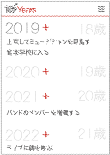
10Yearsは理想の姿を明確に描くためのサービスです。
10年先の将来を考えることで今なにをすべきか見えてきます。
さあ、10年後の自分に向けて10Yearsを始めてみましょう。

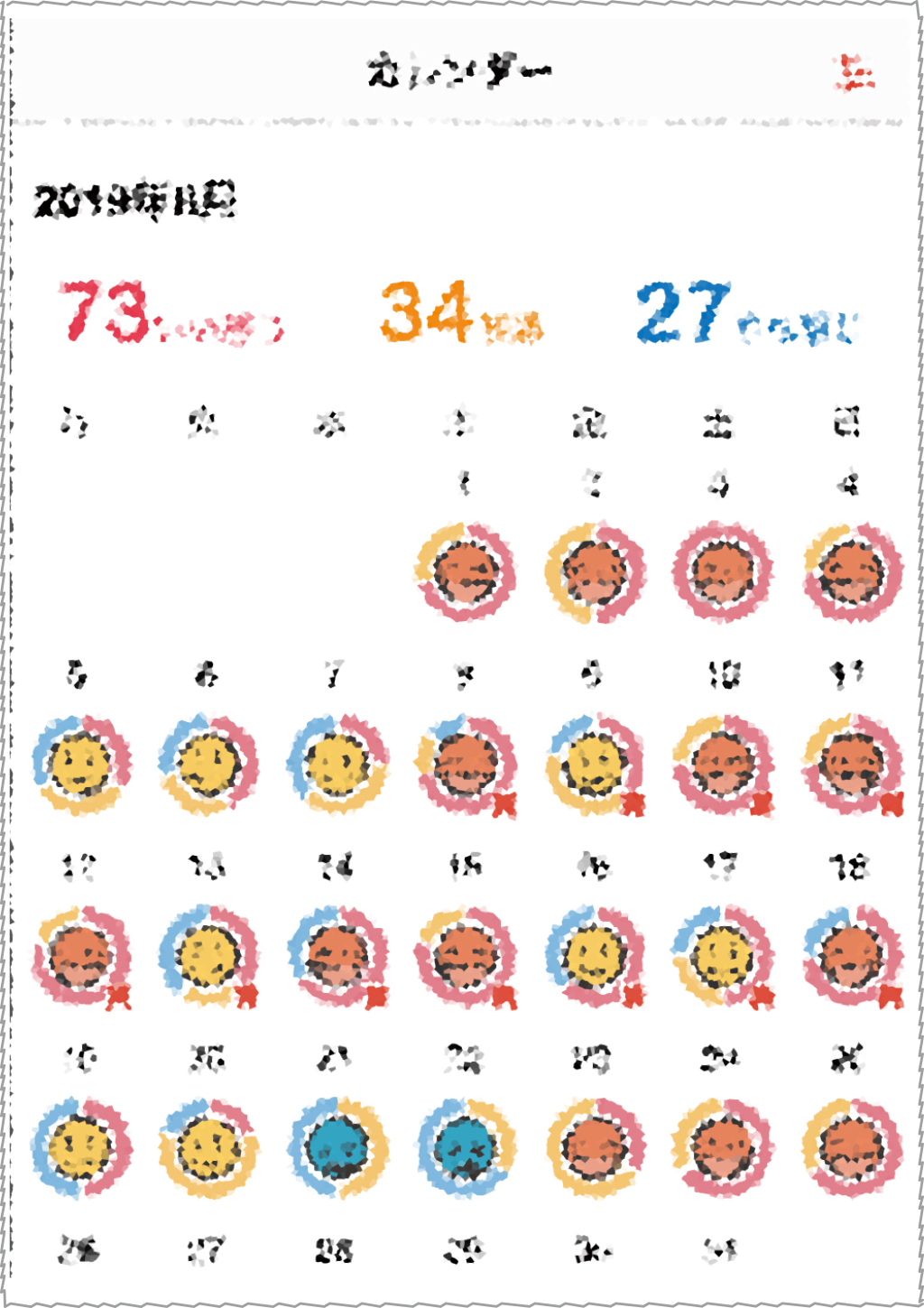
ニコニコログは毎日の気分の変化を記録するためのサービスです。
記録した気分の変化は、カレンダーで過去に遡って一覧できます(チームのカレンダーはもっと便利です!)
もし悲しい顔のアイコンが毎日続いていたら・・・生活を見直す時期なのかもしれませんよ!